I will be honest with you. When I first tried to budget, I used a complicated spreadsheet. I lasted 11 days. I forgot to enter a coffee, then a grocery trip, then I just gave up. It felt like a second job.
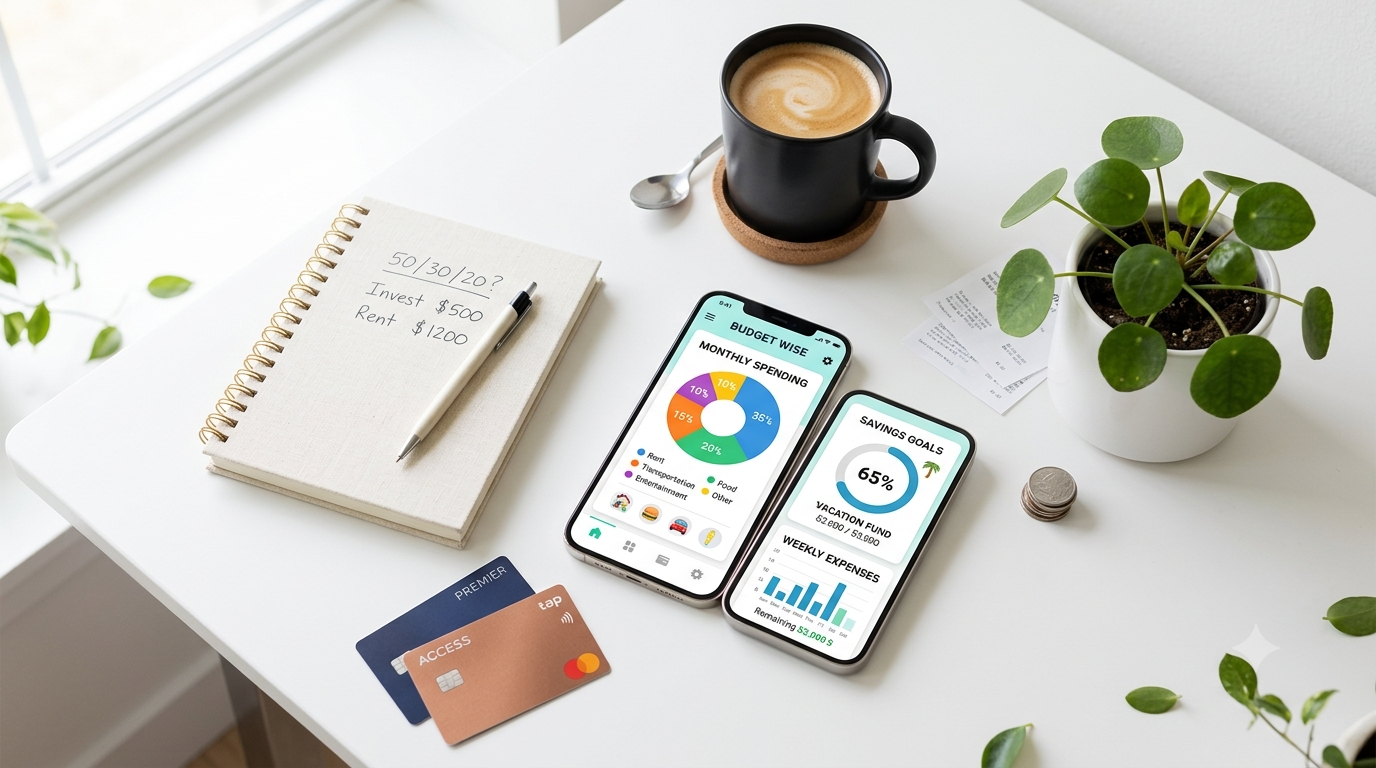
Everything changed when I downloaded a budgeting app. Suddenly, my bank transactions were categorized automatically, I got a nudge when I was overspending on eating out, and I could literally see my savings growing. According to a recent study by Forbes, people who use a budgeting app save on average 25% more than people who don’t.
If spreadsheets aren’t working for you, you’re not failing at budgeting – you just need better tools.
After testing 15+ apps for the last 60 days, I have narrowed it down to the 7 best options for beginners. Whether you want something totally free, something powerful for zero-based budgeting, or something that just does everything on autopilot, there is an app here for you.
If you are just starting out, I highly recommend you first read our Complete Beginner’s Guide to Personal Finance to understand how budgeting fits into your overall financial picture.
What Makes a Great Budgeting App for Beginners? 5 Things to Check
Not all budgeting apps are created equal. Before you download anything, here’s what I look for as a beginner-friendly app:
1. Automatic Bank Syncing: You should not have to manually enter every transaction. The best apps connect securely to your bank and credit cards and categorize everything automatically.
2. Simple Setup in Under 5 Minutes: If it takes an hour to set up categories and goals, you will quit. A good beginner app should be ready to use in a few taps.
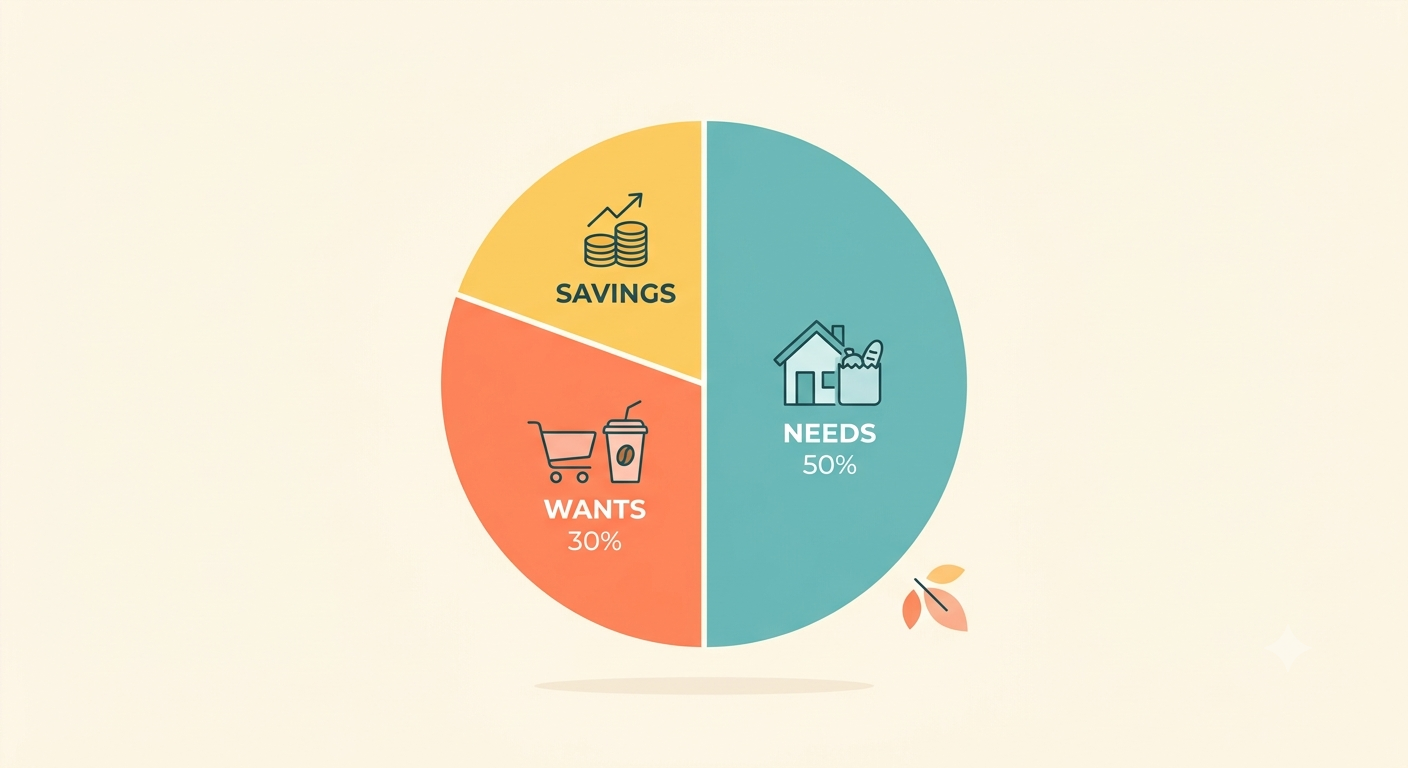
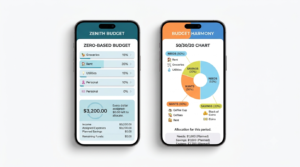
3. Works With Your Budgeting Method: Are you a 50/30/20 person or a zero-based person? The app needs to support your style.
4. Goal Tracking: It should help you not just track spending, but also save for specific goals like an emergency fund or vacation.
5. Bank-Level Security: This is non-negotiable. Look for 256-bit encryption, multi-factor authentication, and read-only access. The app should never be able to move your money.
The 7 Best Budgeting Apps for Beginners in 2026 [Detailed Reviews]
1. YNAB [You Need A Budget] – Best for Zero-Based Budgeting
YNAB is not just a tracker, it’s a method. It is built entirely around zero-based budgeting, where every single dollar gets a job. It’s the most powerful app if your goal is to completely change your relationship with money.
Best For: People who want total control and to break the paycheck-to-paycheck cycle.
Key Features:
- Gives every dollar a job until you have $0 left to assign
- Real-time goal tracking for bills, savings, and debt
- Excellent debt payoff and loan tracking tools
- Free workshops and incredible educational content
Pricing: $14.99/month or $109/year, 34-day free trial. No free plan.
Pros: The most effective for changing spending behavior, amazing community support.
Cons: Most expensive option, has a learning curve for the first week.
My Take: If you read our Zero-Based Budgeting: A Beginner’s Guide and that method resonated with you, YNAB is the perfect app to implement it. It’s worth every penny if you stick with it.
2. Monarch Money – Best Overall and Best Mint Replacement
When Mint shut down in 2024, millions of people needed a new home. Monarch Money became the #1 alternative, and for a good reason. It’s what Mint should have been – beautiful, powerful, and ad-free.
Best For: Couples, individuals, and anyone who wants a complete financial dashboard.
Key Features:
- Customizable dashboard with net worth, budgets, goals, and investments in one place
- Joint finances and collaboration features without sharing bank logins
- Recurring expense tracking and flexible budgeting [50/30/20, zero-based, custom]
- No ads, no selling your data
Pricing: $99.99/year, 7-day free trial. No free plan.
Pros: Best user interface in the market, great for couples, excellent investment tracking.
Cons: No permanent free version.
3. Copilot – Best for Mac and iPhone Users
If you live in the Apple ecosystem, Copilot is stunning. It has won multiple Apple Design Awards for its beautiful, machine-learning powered categorization that gets smarter over time.
Best For: Apple users who love beautiful design and smart AI.
Key Features:
- AI learns how you categorize and auto-categorizes with 90%+ accuracy
- 5+ years of beautiful transaction history and spending trends
- Track Amazon, Venmo, and investment accounts accurately
- 100% privacy focused, built for Mac, iPhone, and iPad
Pricing: $14.99/month or $95/year, 2-month free trial.
4. Good budget – Best Free Zero-Based Budgeting App
Love the envelope system your grandparents used? Good budget digitizes it. You create virtual envelopes for groceries, gas, rent, fun, etc., and allocate money to each. When an envelope is empty, you stop spending.
Best For: Beginners who want a simple, free, zero-based app.
Key Features:
- Digital envelope budgeting system – incredibly intuitive
- Sync and share budgets across multiple devices [great for partners]
- Works without bank syncing if you want to manually enter [great for privacy]
- Free version is very usable
Pricing: Free plan available. Premium is $10/month or $80/year.
Pros: Perfect for learning zero-based budgeting for free, great for couples.
Cons: Free version limited to 10 envelopes and 1 account, manual entry can be tedious if you don’t sync banks.
5. Empower [formerly Personal Capital] – Best for Free Budgeting + Investing
Empower is technically a wealth management app, but its free budgeting and net worth tools are arguably the best free tools on the market.
Best For: People who want to budget AND track investments and net worth for free.
Key Features:
- Completely free budgeting, spending tracking, and net worth dashboard
- Best-in-class retirement planner and investment fee analyzer
- Cash flow and spending breakdown by category
- Bill tracking and alerts
Pricing: Free to use. Paid wealth management services are optional.
Pros: Best free net worth tracker, great for seeing your full financial picture.
Cons: Budgeting features are not as detailed as YNAB or Monarch, you will get calls about their wealth management services.
6. Pocket Guard – Best for Stopping Overspending
Pocket Guard answers one simple question: “How much can I safely spend today?” It calculates your income, minus your bills, minus your goals, minus your debt payments, and shows you what is truly safe to spend. It’s genius for preventing overspending.
Best For: People who constantly overspend without realizing it.
Key Features:
- “In My Pocket” feature shows safe-to-spend amount daily
- Automatically finds and negotiates lower bills
- Tracks subscriptions and alerts you about price hikes
- Simple debt payoff plans
Pricing: Free basic plan available. Plus plan is $12.99/month or $74.99/year.
7. Every Dollar – Best for Simple 50/30/20 Budgeting
Created by Dave Ramsey’s team, Every Dollar is the simplest drag-and-drop budgeting app for people who want to follow the 50/30/20 or zero-based method without complexity.
Best For: Beginners who want the simplest possible budgeting app.
Key Features:
- Super simple drag-and-drop budgeting
- Built for zero-based budgeting but easily customizable for the 50/30/20 Budget Rule guide
- Local money experts available on premium plan
- Very quick to set up a budget from scratch
Pricing: Free version with manual entry. Premium with bank sync is $17.99/month or $79.99/year.
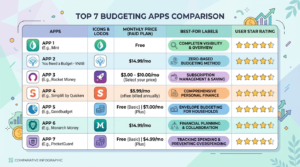
Comparison Table: Which App Should You Choose?
| App | Best For | Free Plan? | Price / Year | Budgeting Method |
|---|---|---|---|---|
| YNAB | Total Control | No | $109 | Zero-Based |
| Monarch | Best Overall | No | $99.99 | All Methods |
| Goodbudget | Free Envelope System | Yes | $80 | Zero-Based / Envelope |
| Empower | Net Worth Tracking | Yes | Free | Tracking |
| PocketGuard | Stop Overspending | Yes | $74.99 | Safe-to-Spend |
| EveryDollar | Simplicity & 50/30/20 | Yes | $79.99 | Zero-Based / 50/30/20 |
How to Use a Budgeting App to Finally Build Your Emergency Fund
An app is useless if you don’t connect it to a real goal. This is where most people fail. They track spending, but they don’t direct the savings.
Here is the exact 4-step system I use with my readers:
Step 1: Create a Goal in Your App
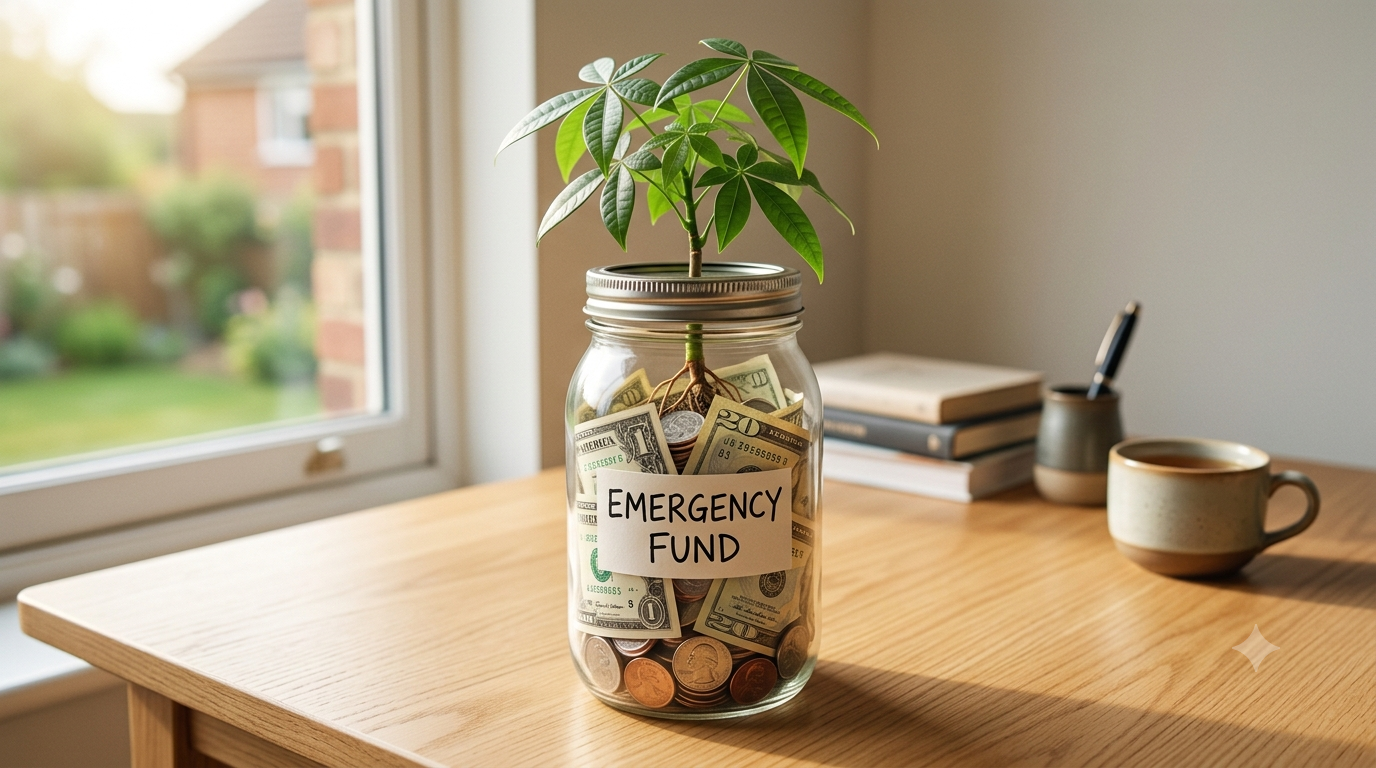
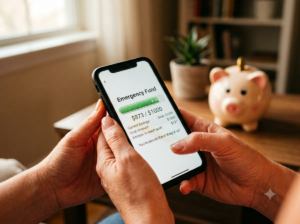
Open your app and create a goal called “Starter Emergency Fund – $1,000”. Most apps like Monarch and YNAB let you create a visual savings goal. Seeing that progress bar is incredibly motivating.
Step 2: Automate a Small Transfer
Even if it’s just $25 per paycheck. Set up an automatic transfer in your bank. Then, in your budgeting app, assign that $25 to your emergency fund category. When you make it automatic, you don’t have to rely on willpower.
Step 3: Use the App’s Reports to Find Your “Latte Factor”
Look at your spending report for the last 30 days in your app. You will likely find $100-$200 in spending you didn’t even remember. A few extra takeout orders, impulse Amazon buys, unused subscriptions. I had one student find $176 in monthly subscriptions she forgot about using PocketGuard.
Redirect that found money directly to your emergency fund for one month. That’s often enough to fully fund your starter emergency fund.
Step 4: Read the Step-by-Step Execution
Tracking is only half the battle. For the full blueprint on where to keep your emergency fund, how much to save, and how to automate it on a low income, follow our dedicated guide on how to build an emergency fund step by step. It shows you exactly how to go from zero to one month, then to 6 months of security.
Common Mistakes Beginners Make With Budgeting Apps
1. Downloading 5 Apps at Once: Pick ONE app and commit to it for 30 days. App-hopping is the fastest way to quit budgeting.
2. Never Categorizing Transactions: The app will mistakenly categorize sometimes. Spend 5 minutes every Sunday fixing categories. That 5 minutes saves you hundreds per month.
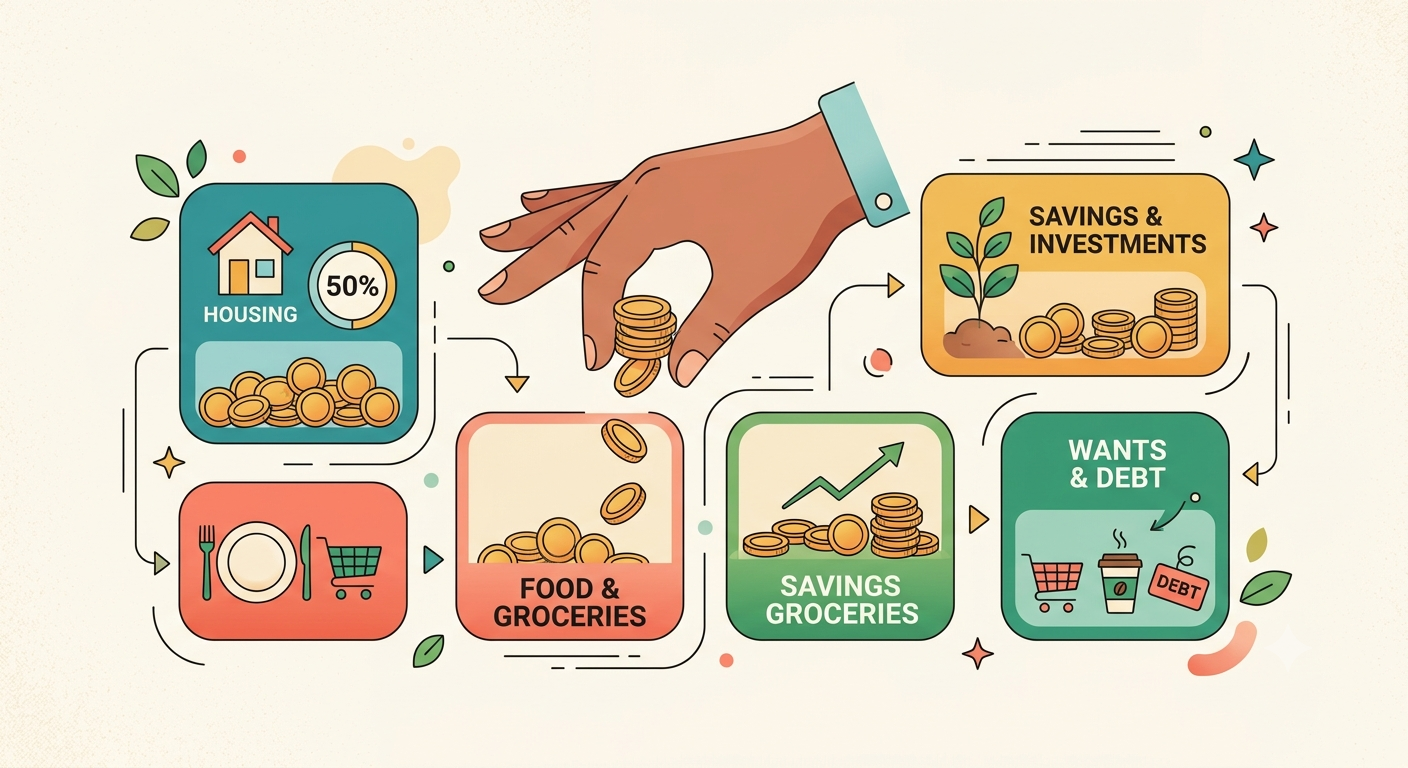
3. Not Giving Yourself Fun Money: If your budget is all bills and no fun, you will hate it and quit. Every budget, whether it’s from our 50/30/20 Budget Rule guide or Zero-Based Budgeting: A Beginner’s Guide, needs a guilt-free spending category.
4. Ignoring Cash Spending: If you pay cash, add it manually. Otherwise your app will think you have more safe-to-spend money than you actually do.
So, Which Budgeting App is Right for YOU?
- If you want the best free option to start today: Download Good budget or Empower.
- If you want to completely transform your finances and don’t mind paying: Get YNAB.
- If you want the best-looking, all-in-one app after Mint is gone: Get Monarch Money.
- If you overspend and need a simple “can I afford this?” number: Get Pocket Guard.
The best budgeting app is not the one with the most features. It’s the one you will actually open and use every week.
Start today. Download one app. Link one bank account. Set one goal of $100 for your emergency fund. That’s it. Momentum beats perfection every single time.
For a broader understanding of how budgeting connects with saving, debt payoff, and investing, go back to our pillar article, the Complete Beginner’s Guide to Personal Finance.
Next Step: You picked your app? Great. Now use it to supercharge your safety net. Our next guide shows you exactly how to build an emergency fund step by step using the money your new app helps you find.